
Replay
Astro site factory: eight trade-business sites, research and checks
A real run, replayed: eight Astro sites for trade businesses, 309 pages in all.
For owners facing plugin updates or edits that need a developer: same look, same content and URLs. An Astro site became WordPress with 37 of 37 URLs matched and 0 redirects.
Title, H1, description and canonical path matched on 37 of 37.
Measured See every URL
A plugin update threatens your contact form on Friday. Changing a phone number takes a call and an invoice. We move your site either way, keeping your design, content and URLs.
The theme came with the site, and every update keeps you guessing. Moving to static pages removes those plugin updates.
Your next site keeps the parts you want. Before the move, the plan covers how you edit pages and handle forms.
Parity run: the Astro original against its WordPress build
37 of 37 URLs matched for status, title, main heading, description and preferred address path, with 0 redirects. An Astro site, converted to WordPress and parity-checked URL by URL. [H1, canonical path]
The page addresses stayed the same, so the move needed no redirect map.
We direct AI coding agents and check their work. An agent performed this conversion, and scripts checked every URL.
The WordPress build sits behind a gate that keeps the login page, the admin screens and the API away from the public, and its contact form checks every entry.
The conversion walkthrough lists every URL check and what a client receives.
We have converted sites into WordPress and out of it.
For your site, we plan either direction around what you need to edit and what you want to keep.
This part is for the technical reader. Skip to the static build examples to see where a move out of WordPress leads.
Your plugin list comes first: what each plugin does, whether you still need that job done and what would replace it. We look at page content, form handling and editing needs separately before proposing a replacement.
You agree where contact form submissions go. Page titles and descriptions get checked alongside the visible words. The plan also lists changed addresses and the permanent redirects they need.
You review those decisions before the rebuild starts.
An interactive example: runs in your browser
REST index found: 21 namespaces, 78 routes
Example Heating & Air, theme trade-theme-child (child of trade-theme)
seen from outside: 16 (14 via REST, 2 via page source); in the dashboard: 20
+ 4 more only the dashboard lists (the paid teardown reads it): Really Simple SSL, UpdraftPlus, Classic Editor, Yoast Duplicate Post
34 pages, 112 posts, 860 media files: 146 Markdown files
3 converted below: home.md, furnace-repair.md, contact.md
196 public URLs keep their exact paths; 3 redirect rules; 3 paths gone (410)
redirects.conf, 159 lines
plugins to babysit after: 0
19 leave, 1 kept as an outside service
A heating and air company’s WordPress site, read by the same code that reads yours.
Replay
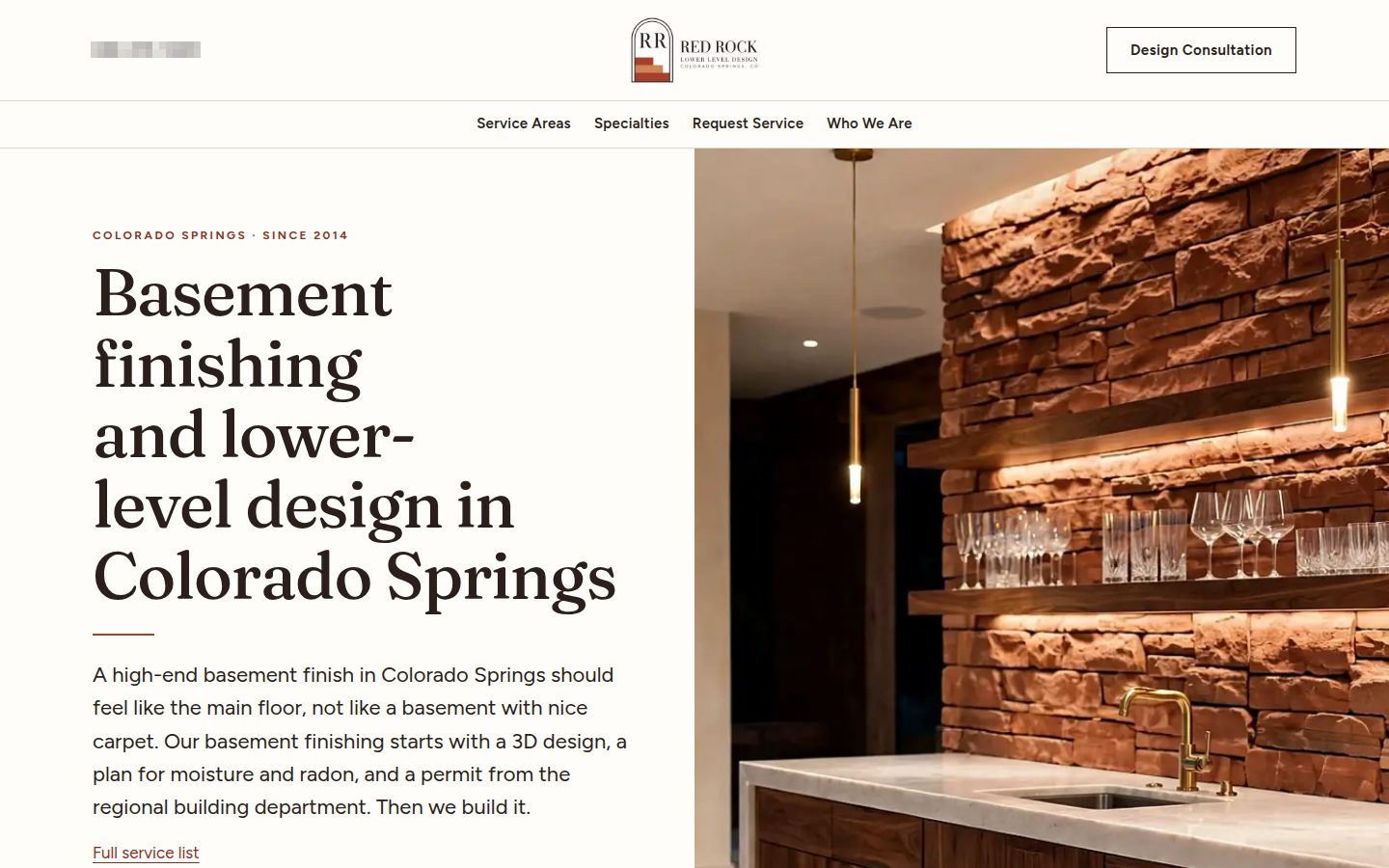
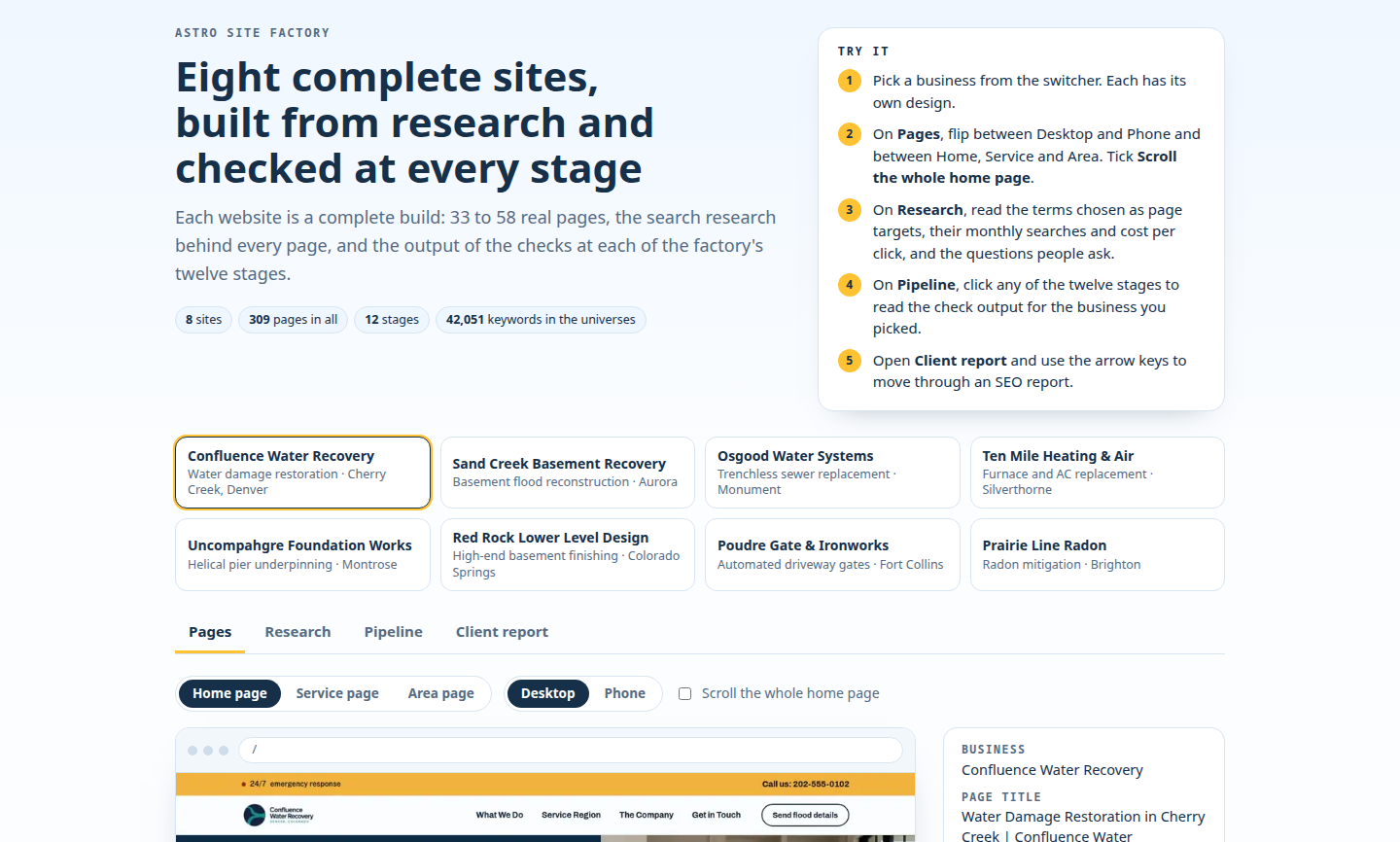
A real run, replayed: eight Astro sites for trade businesses, 309 pages in all.
These builds went through 12 numbered stages with named checks.
Example
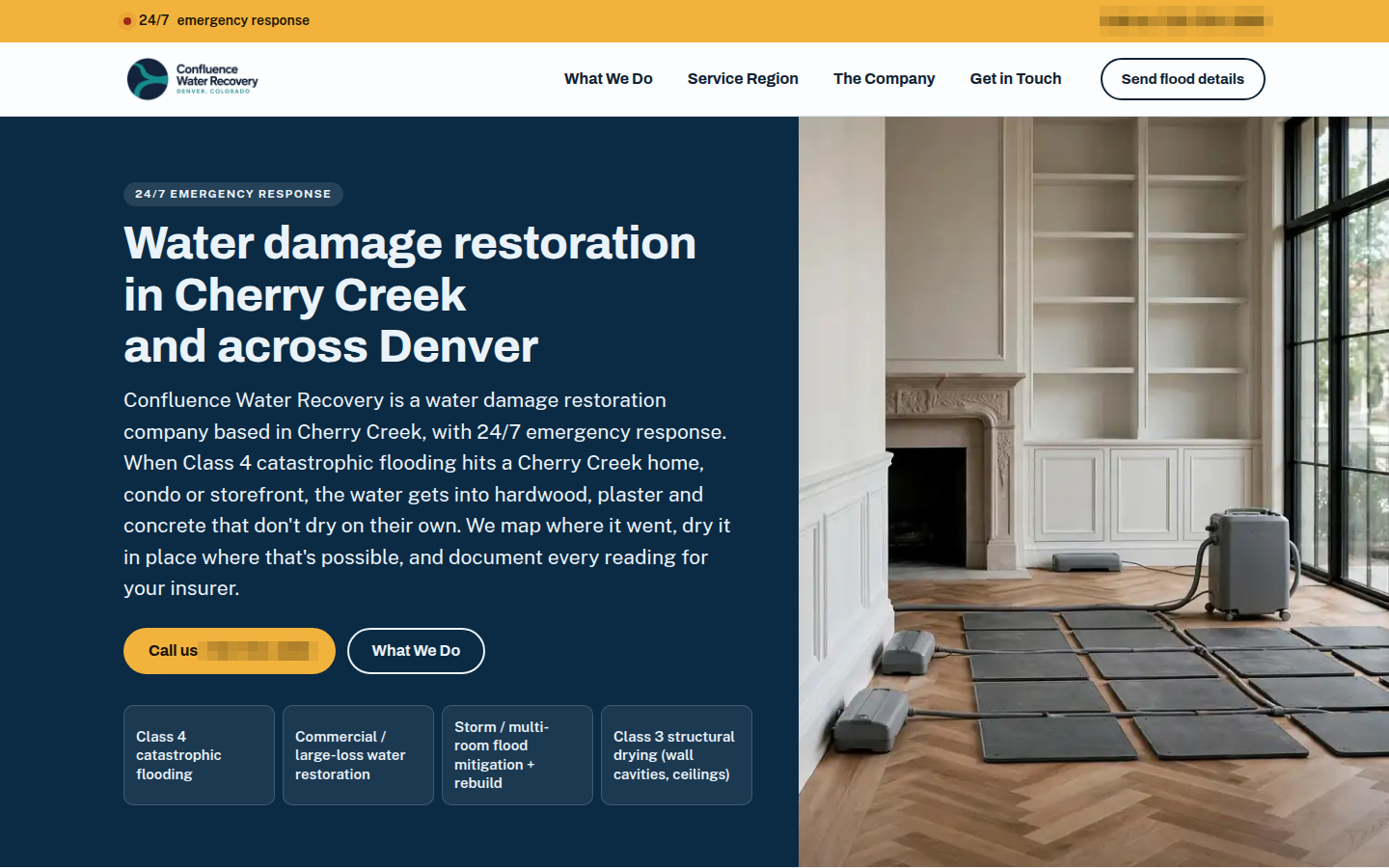
The flooding-service site is one of the eight in the Astro collection.
Example
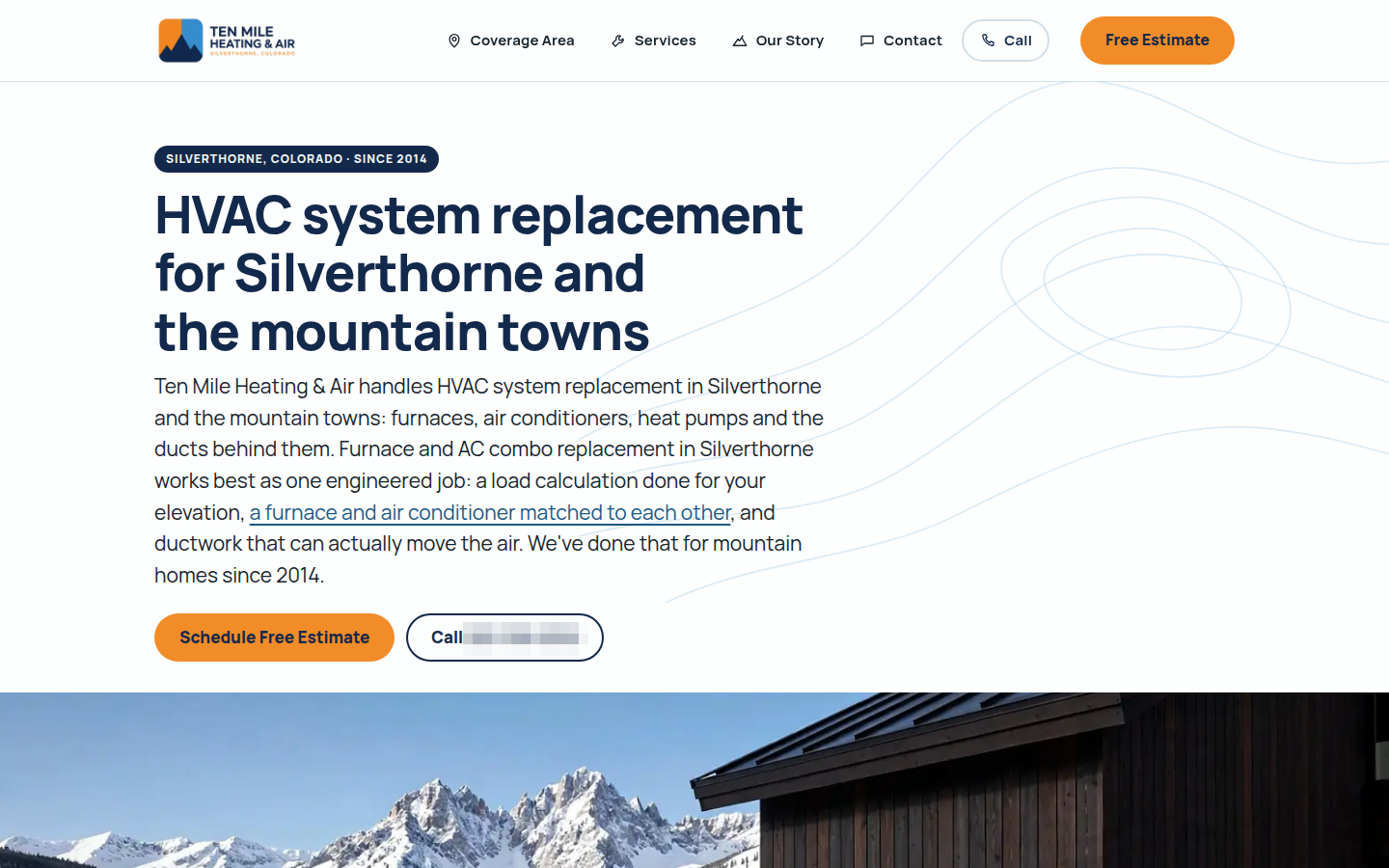
The heating-service site shows another from the same collection.
Example
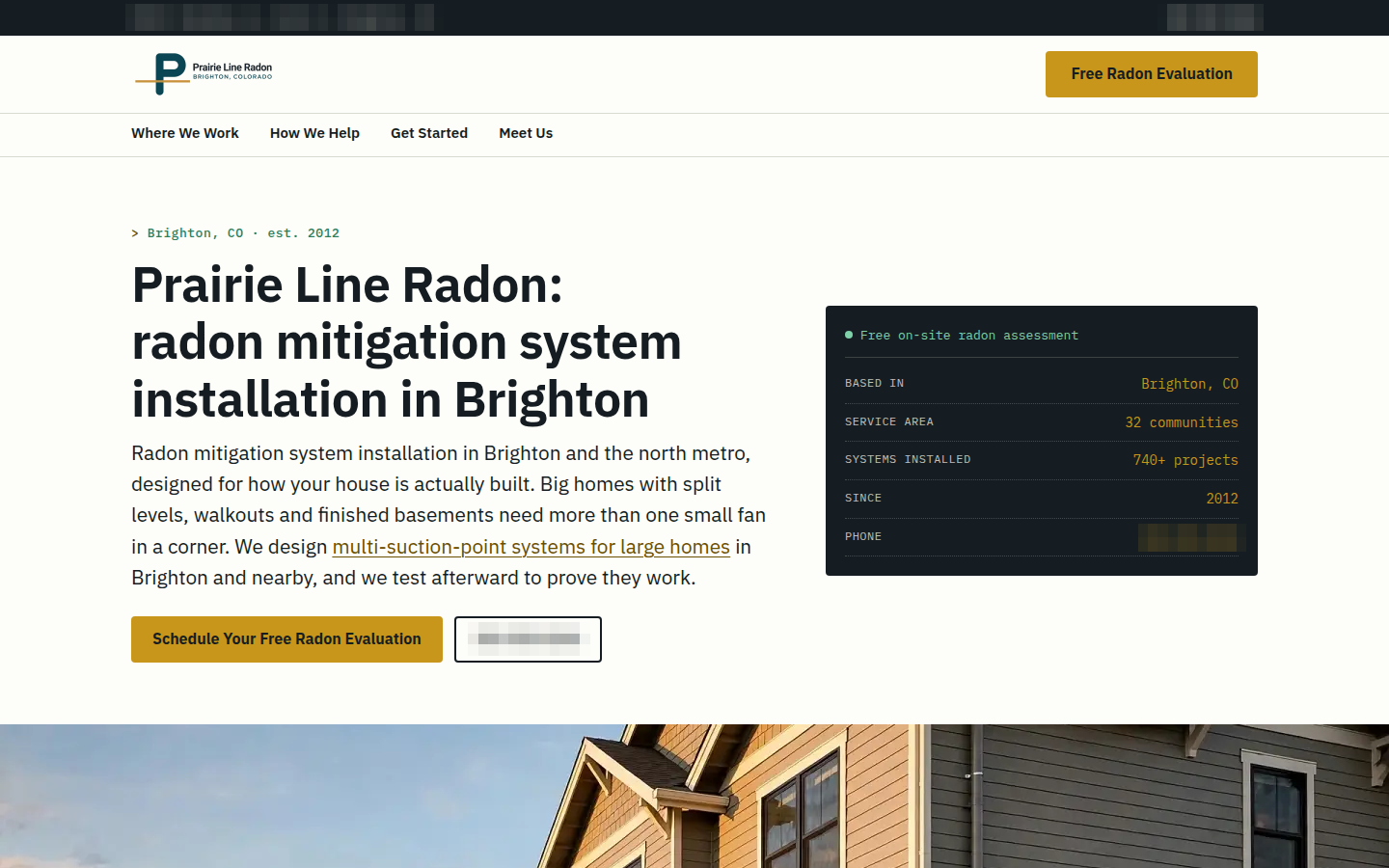
The radon-service site comes from the same collection.
The collection's contact-form handler passed 66 of 66 checks against a test mail server.
These examples show where a move to static pages leads. The measured WordPress conversion above shows the other direction.
The home page of the heating and air site, read from its build files: the page itself, one stylesheet, three images and no script files to download.
An old link needs a destination after a move. The tools scanned the original sites, mapped their addresses and generated permanent redirects with a table of expected destinations.
Before release, a comparison checked that the text contained only declared changes. The release process also included a way to undo the release and a check that the site worked. [rollback, health check]
For your move, we compare the old address list with the proposed site before launch. The plan separates paths to keep from changed paths that need redirects.
The migration service explains that process. Move a website lists the available directions.
Start with a paid teardown to decide which plugins can go. It covers what replaces them and how you edit the new site. You review the plan for leaving WordPress or moving into it before any page moves. You can stop arranging your work around the next plugin update.
One sentence about the project is enough. Name the tools you already use, or point at an example on this site.